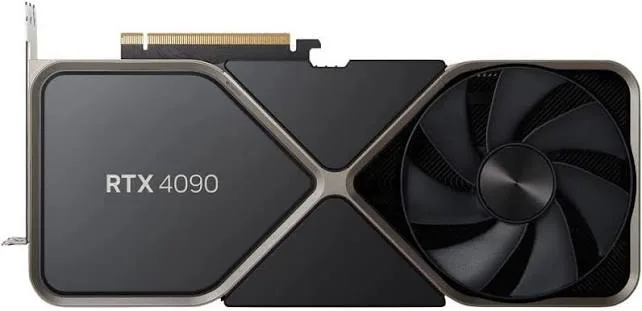
RTX 4090 24 GB
High-end24 GB VRAM · ~21.6 GB for a model
NVIDIA GeForce RTX 4090 24 GB
- Llama-3.1-8B-Instruct~139 tok/s
- Qwen3-8B~133 tok/s
- Qwen2.5-7B-Instruct~153 tok/s
Buy on AmazonCheck price on Amazon
All models for this device →The one spec that decides which AI models you can run at home is memory: VRAM on a graphics card, or unified memory on a Mac. Each card shows the most downloaded open models that fit and their estimated speed.
As an Amazon Associate we earn from qualifying purchases. Prices change often, so we link to Amazon instead of listing them.
For a desktop PC. VRAM decides which models fit; more of it runs bigger models.
24 GB VRAM · ~21.6 GB for a model
NVIDIA GeForce RTX 4090 24 GB
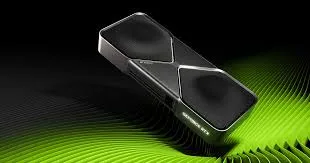
32 GB VRAM · ~28.8 GB for a model
NVIDIA GeForce RTX 5090 32 GB
Apple silicon shares one pool of unified memory between the chip and the GPU, so a model can use most of it.
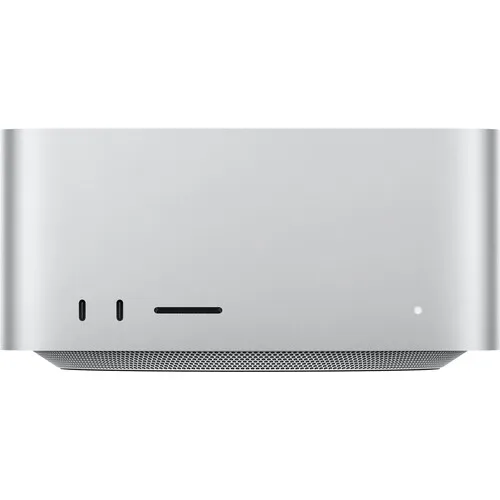
64 GB unified memory · ~44.8 GB for a model
M4 Max, 40-core GPU
128 GB unified memory · ~89.6 GB for a model
M4 Max, 40-core GPU
Gaming laptops with NVIDIA GPUs and MacBook Pros that run local models on the go.
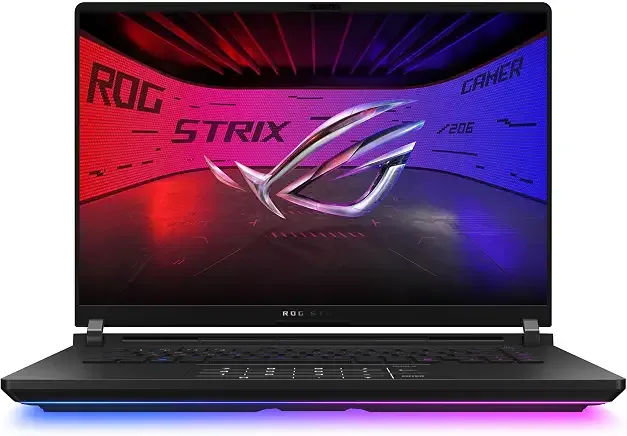
16 GB VRAM · ~14.4 GB for a model
NVIDIA GeForce RTX 4090 Laptop GPU 16 GB
Speeds estimated from the desktop RTX 4080; expect somewhat less on a laptop.
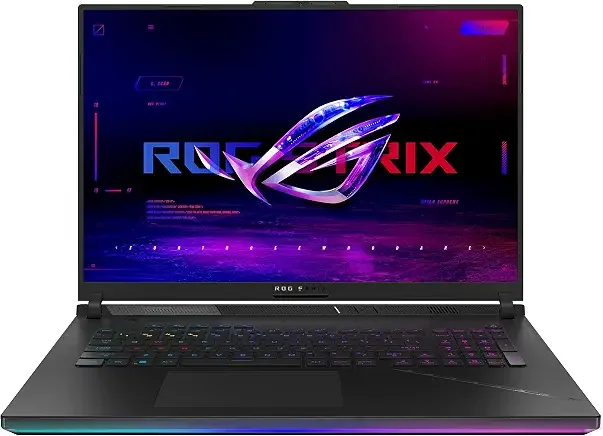
24 GB VRAM · ~21.6 GB for a model
NVIDIA GeForce RTX 5090 Laptop GPU 24 GB
Speeds estimated from the desktop RTX 4090; expect somewhat less on a laptop.

36 GB unified memory · ~25.2 GB for a model
M5 Max, 32-core GPU
48 GB unified memory · ~33.6 GB for a model
M5 Pro, 20-core GPU
48 GB unified memory · ~33.6 GB for a model
M4 Max, 40-core GPU
| Device | Type | Memory | Usable | Budget | Shop |
|---|---|---|---|---|---|
| RTX 4090 24 GB | Graphics cards | 24 GB VRAM | ~21.6 GB | High-end | Check price |
| RTX 5090 32 GB | Graphics cards | 32 GB VRAM | ~28.8 GB | High-end | Check price |
| Mac Studio with 64 GB | Macs | 64 GB unified memory | ~44.8 GB | High-end | Check price |
| Mac Studio with 128 GB | Macs | 128 GB unified memory | ~89.6 GB | High-end | Check price |
| RTX 4090 Laptop 16 GB | Powerful laptops | 16 GB VRAM | ~14.4 GB | High-end | Check price |
| RTX 5090 Laptop 24 GB | Powerful laptops | 24 GB VRAM | ~21.6 GB | High-end | Check price |
| MacBook Pro with 36 GB | Powerful laptops | 36 GB unified memory | ~25.2 GB | High-end | Check price |
| MacBook Pro with 48 GB | Powerful laptops | 48 GB unified memory | ~33.6 GB | High-end | Check price |
| MacBook Pro M4 Max with 48 GB | Powerful laptops | 48 GB unified memory | ~33.6 GB | High-end | Check price |
Usable memory is about 70% of a Mac's unified memory and 90% of a graphics card's VRAM. Models are the most downloaded open language models on Hugging Face that fit. Speed data: ModelFit (CC BY 4.0), modelled decode estimates for a 4-bit build at a 4K context, not measured benchmarks and not an endorsement by ModelFit.
As an Amazon Associate we earn from qualifying purchases.