An Indic Voice Agent with CUGA
CUGA powers a multilingual Indian voice assistant that turns spoken farmer queries into text, searches an English handbook, and replies in the farmer’s language while staying safe and auditable.
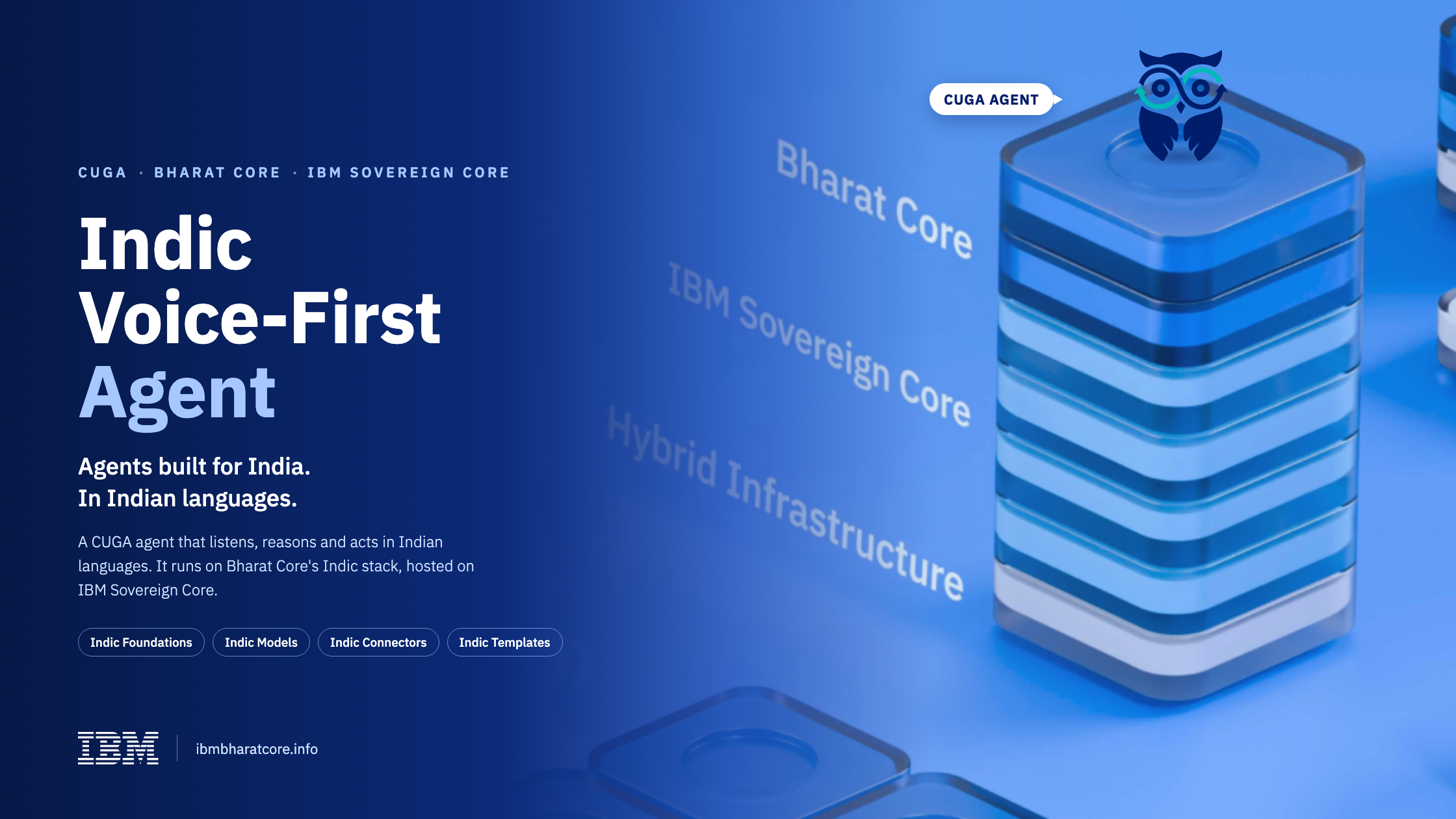
Building an Indic Voice Agent with CUGA
TL;DR: Using IBM Research’s open‑source CUGA harness, we created a voice‑first assistant for Indian farmers that listens in any regional language, searches an English agricultural handbook, and answers back in the same language—while keeping the conversation grounded, safe, and auditable.
---
1. The Farm‑Assistant Use Case
A typical interaction looks like this:
- User (a farmer) asks aloud in Hindi, Tamil, Telugu, etc.: “How do I tell good seed from bad?”.
- Speech‑to‑text converts the audio to a text query.
- CUGA’s knowledge engine parses a 154‑page English handbook, creates vector embeddings, and retrieves the most relevant passages.
- CUGA generates a concise answer only from those passages, then text‑to‑speech renders the reply in the original language.
- The UI displays the source pages so the farmer can verify the information.
If the user drifts off‑topic (e.g., asks about cricket), the system politely redirects back to farming without fabricating an answer.
---
2. How CUGA Fits In
CUGA (Configurable Generalist Agent) is a lightweight SDK that handles:
- Model wiring – swap between watsonx, OpenAI, or any compatible model with a single setting.
- Tool management – embed a PDF, chunk it, embed vectors, and expose `agent.knowledge.search()`.
- State & guardrails – each query runs in an isolated thread, preventing language or context leakage.
The architecture is deliberately simple:
``` audio → speech‑to‑text → knowledge.search → CUGA (text‑in, text‑out) → text‑to‑speech → audio ```
Because the core agent only ever sees text, you can develop and test the logic without any audio components, then layer on speech providers later. We support two options:
- Sarvam AI cloud APIs (called directly from the browser, keeping keys client‑side).
- Open‑source models (SraVaani for STT, Svara for TTS) that can run on‑premise for data‑sovereignty.
---
3. The Real Challenge: Cross‑Lingual Retrieval
Adding speech is trivial; the hard part is making a Hindi or Tamil query retrieve the correct English paragraph. The default English‑only embedding model maps Hindi text to meaningless vectors, leading to irrelevant results. The fix is to use a multilingual embedding model—e.g., `intfloat/multilingual‑e5‑large`—so that semantically similar sentences land close together regardless of language.
A quick sanity check before fine‑tuning any prompt: ask a non‑English question and verify that the retrieved passages actually contain the answer.
---
4. Making the Voice Feel Natural and Safe
Write for the Ear
- Avoid markdown syntax, bullet symbols, or bracketed translations (e.g., "millet (बाजरा)") in the generated text.
- Use a prompt that tells the model to produce plain, spoken‑friendly sentences.
- Run a lightweight formatter to strip any stray markup before sending to the TTS engine.
Cheap Guardrails
- Simple input validation filters obvious off‑topic queries.
- If something slips through, the model prefixes the reply with `OFF_TOPIC`; the app then swaps in a polite redirect without a second LLM call, keeping latency low.
Ground Every Answer
- The model sees only the retrieved passages and is instructed not to hallucinate.
- Source page numbers are displayed, giving users a way to verify the information.
---
5. Scaling Beyond Farming
The same pipeline works for any domain that has a single authoritative document:
- Government scheme guides
- Health advisories
- Legal FAQs
Swap the handbook, keep the multilingual embedding, and you have a vernacular assistant for any sector. Changing the speech provider (cloud vs. on‑prem) lets you balance speed against data‑sovereignty without touching the agent code.
---
6. Putting It All Together
- Try the demo – launch the CUGA Voice Agent on Hugging Face Spaces, ask a farming question in your language, and listen to the answer.
- Build your own – follow the step‑by‑step tutorial “Build an Indic Voice Agent with CUGA” which starts from an empty folder and adds each layer incrementally.
- Scale with IBM Bharat Core – for enterprise‑grade deployments, pair CUGA with Bharat Core’s Indic‑optimized models and sovereign‑cloud infrastructure to meet Indian data‑locality requirements.
---
7. Getting Started with CUGA
- cuga.dev – official homepage and quick‑start guide.
- GitHub repo – open‑source harness (Apache 2.0); great for filing issues or contributing.
- Documentation – SDK setup, knowledge‑base handling, policy configuration.
- CUGA Apps gallery – browse ready‑made examples, including the farm‑assistant.
- Policy Playground – experiment with guardrails side‑by‑side.
---
Closing Thought
Voice‑first, multilingual assistants are the key to bringing digital services to billions who prefer speaking over typing. By building on an open, auditable harness like CUGA and grounding answers in verifiable sources, developers can deliver trustworthy, culturally aware AI experiences at scale.
Source
Read original sourceWhy we picked this
Introduces a new AI voice agent model/tool for Indic languages, core AI content.