AI music maker Suno now generates spoken words
Suno’s new beta lets users generate spoken word tracks with optional AI‑generated background music, streamlining narration and audio production.
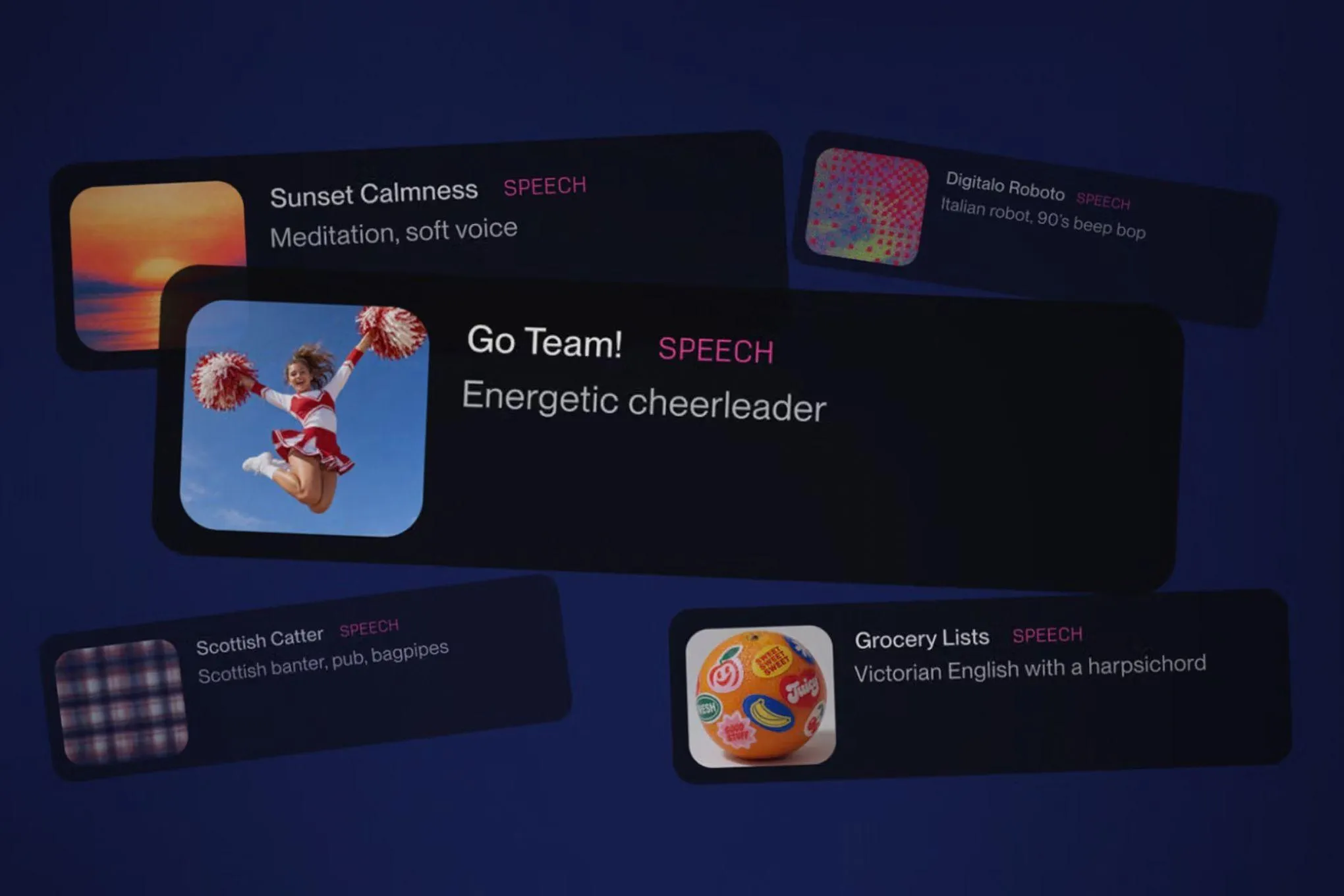
Suno’s New Speech Feature: AI‑Generated Voiceovers with Built‑In Music
Suno, the AI music platform that has been making headlines for its ability to compose songs from simple prompts, has just added a new Speech feature. The beta lets users generate spoken word tracks—complete with optional background music—directly from a script or a short description. The move signals Suno’s ambition to become a one‑stop shop for all kinds of audio content, not just music.
How the Feature Works
Suno’s interface keeps the familiar Create tab, but now includes a Speech option. Users can choose between two modes:
- Simple – type a prompt like "a pirate captain rallying his crew" and let the model decide the voice, style, and accompanying music.
- Advanced – paste a full script and tweak settings such as gender, speech style, and voice variety. This mode also lets you toggle the background music on or off.
The result is a single audio file that blends the spoken words with a music track generated by Suno’s core model. The maximum length is about eight minutes, and the system currently supports a handful of voice styles and accents.
What Makes Suno’s Approach Different
AI text‑to‑speech has been around for years. DeepMind, Adobe, and ElevenLabs have all released robust solutions that can read any text in a natural‑sounding voice. Suno’s twist is the integration of music generation and speech synthesis into one cohesive track. Rather than layering a separate music file over a TTS output, the model learns to compose music that matches the rhythm, emotion, and pacing of the spoken words.
This can be especially useful for creators who want a ready‑made soundtrack for podcasts, audiobooks, or video narrations. For example, a user could generate a calming background for a spoken poem or an energetic beat for a motivational speech—all in one step.
Current Limitations and Future Plans
Suno acknowledges that the beta is far from perfect. Accents can slip between British and Australian, dramatic pauses may feel exaggerated, and the voice library is still limited. The company says it will iterate on the model based on user feedback and expand the range of voices and styles.
The feature is available on both the web and mobile apps, and Suno has positioned it as a complement to its existing music generation tools rather than a replacement. Users can still choose to generate clean speech without music if they prefer.
Who Should Try It
- Content creators looking for a quick way to add professional‑sounding narration to videos or podcasts.
- Marketing teams that need voice‑over tracks for ads or explainer videos.
- Educators who want engaging audio lessons with background music.
If you’re curious, the beta is free to try. Just head to the Create tab, select Speech, and start experimenting with prompts or scripts.
Bottom Line
Suno’s Speech feature is a bold step into the broader AI audio space. While it still has rough edges, the ability to generate voice and music together could streamline production workflows for a wide range of creators.
---
TL;DR: Suno’s new beta feature lets users generate spoken word tracks with optional AI‑generated background music, offering a one‑stop solution for narration and audio production.
Source
Read original sourceWhy we picked this
Suno’s new voice generation feature is a meaningful AI product release.